Fast search across large libraries
After the first index is built, natural-language searches return results almost instantly—even across tens of thousands of files.
 BlueFondry
Search tens of thousands of photos and videos by describing what you remember. Results appear almost instantly after indexing, with no renaming, tagging, or cloud upload required.
Once Shiying has indexed your folders, type a natural-language description and get results in seconds. You do not need to remember a filename or browse one folder at a time. Search photos, screenshots, memes, design references, and videos from one place.
Keep your existing folders exactly as they are. Press Alt + Space to open Shiying, describe the scene you remember, and return to your work as soon as you find it.
See how Shiying searches photos, screenshots, memes, and videos stored on a Windows PC.
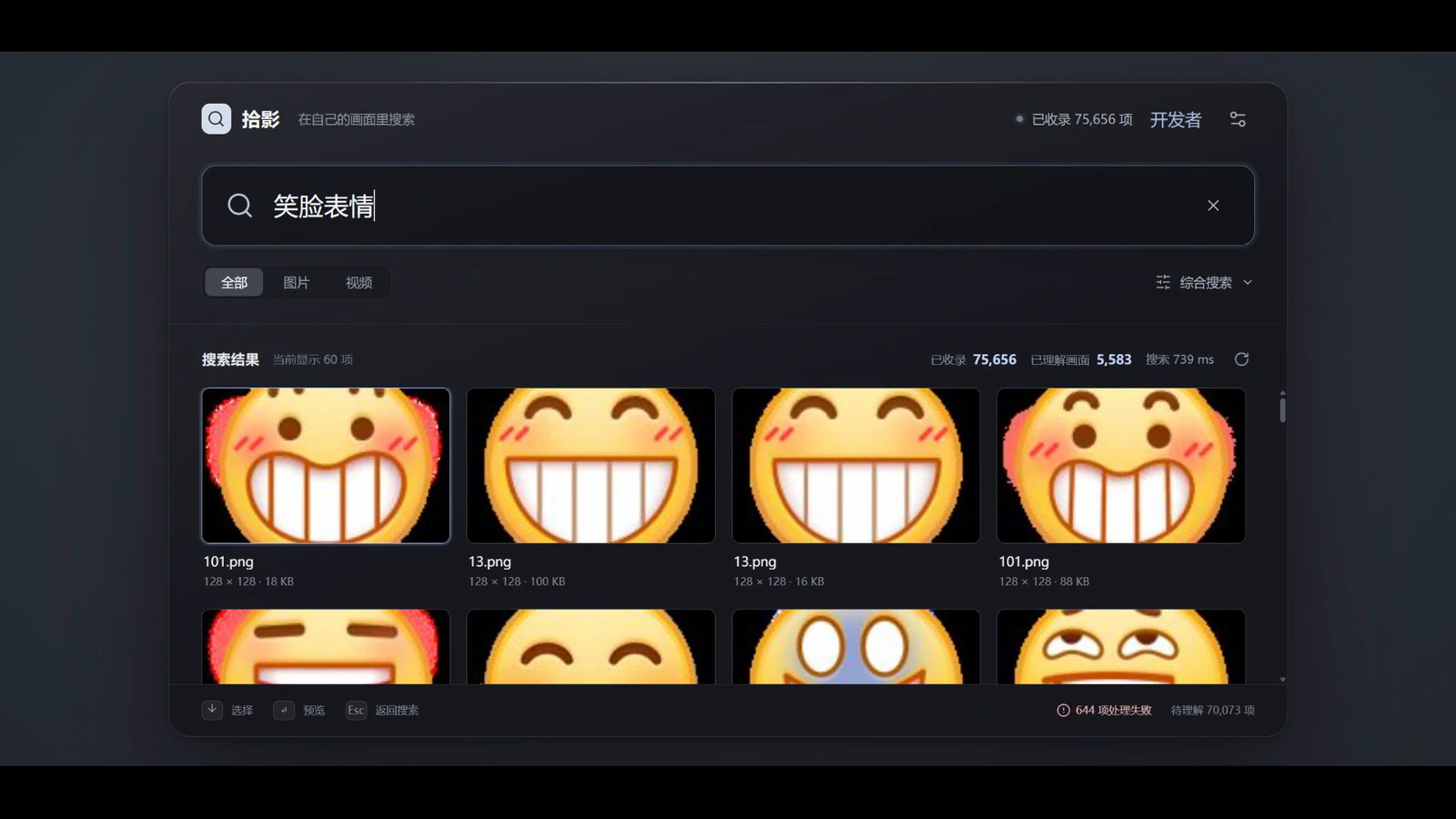
Type a description such as “smiling face” and matching images appear below. It still works when filenames are random numbers or unreadable strings.
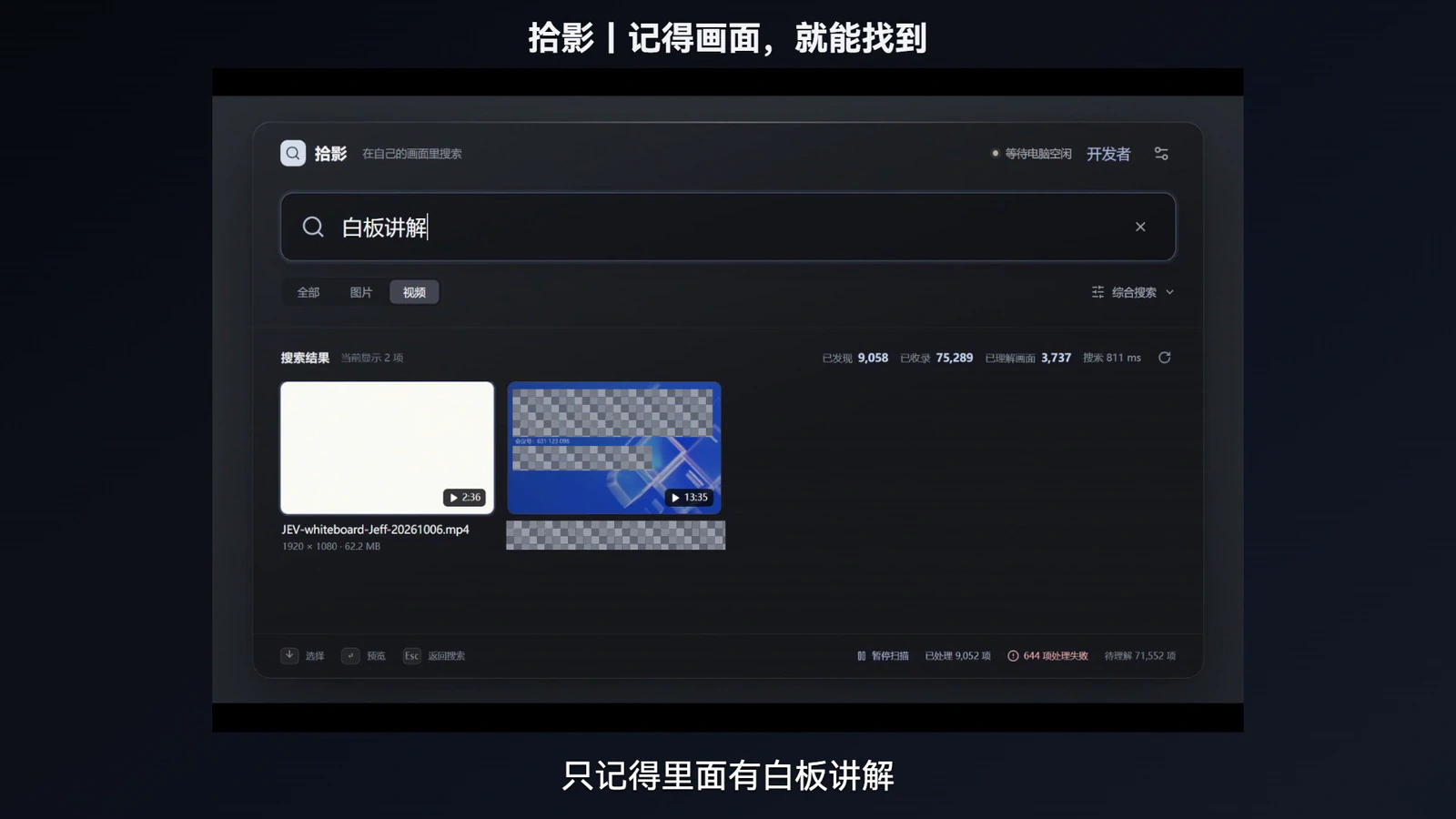
If you remember that a video opens with someone presenting at a whiteboard, search for that scene. Shiying finds photos, screenshots, and videos in the same window. Videos are matched using their opening frame.
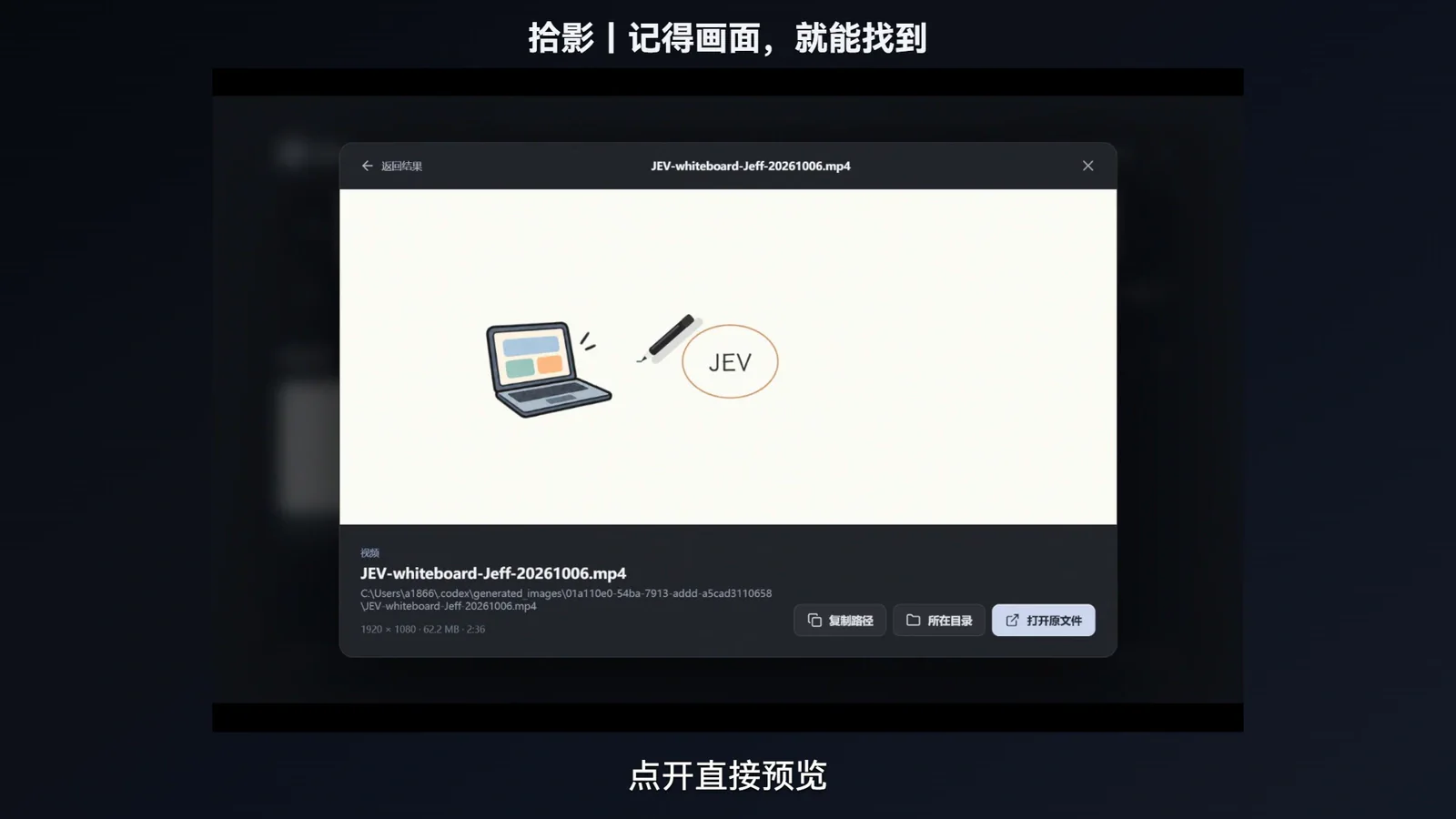
Open an image or play a video without leaving the results. You can then open the original file, reveal its folder, or copy its path.
Use a plain-language description to search large personal media libraries without reorganizing them first.
After the first index is built, natural-language searches return results almost instantly—even across tens of thousands of files.
Search for “last year at the beach,” “that expense receipt,” or “the living room with a blue sofa.” The filename does not need to make sense.
Search photos, screenshots, memes, design references, and videos from the same window. Videos are searchable by their opening frame.
Press Alt + Space, search, and dismiss the window when you are done. There is no full media manager to navigate.
No renaming, tagging, or importing into a new library. Shiying searches files across the drives and folders you choose.
Personal photos, work screenshots, and client materials stay on your computer. Everyday searches work offline, and the installer includes the model and runtime.
If you can remember what was in the frame, describe it. Your files stay where they are—and on your own computer.
Find a beach photo by remembering the scene instead of the folder where it was saved.
Retrieve receipts, project references, and images from client materials without uploading them to a cloud service.
Search for a smiling reaction or a room with a blue sofa even when the filenames are meaningless.
Find a video from its opening frame, preview it, and reveal the original file from the same results window.
Run the installer and follow the prompts. The local model and runtime are included, so there is nothing else to configure.
Extract the entire ZIP, then open Shiying.exe. Keep all files together, and do not run the app from inside the ZIP.